Coming soon
AI-first PCB design
The agent uses the same commands as the window. It places a part, draws a track, and reads the checks on the board in front of you.
- 01
One command set
labpixie-mcp publishes the window’s commands as tools. The agent calls lib.place, pcb.track, route.auto, check.drc, and check.erc.
- 02
A readable board
It can read the project, the nets, the selection, the library, ERC and DRC, and the simulation traces.
- 03
Edits land on the design
A tool call changes the session you are looking at. edit.undo takes that edit back.
PCB
labpixie-mcp 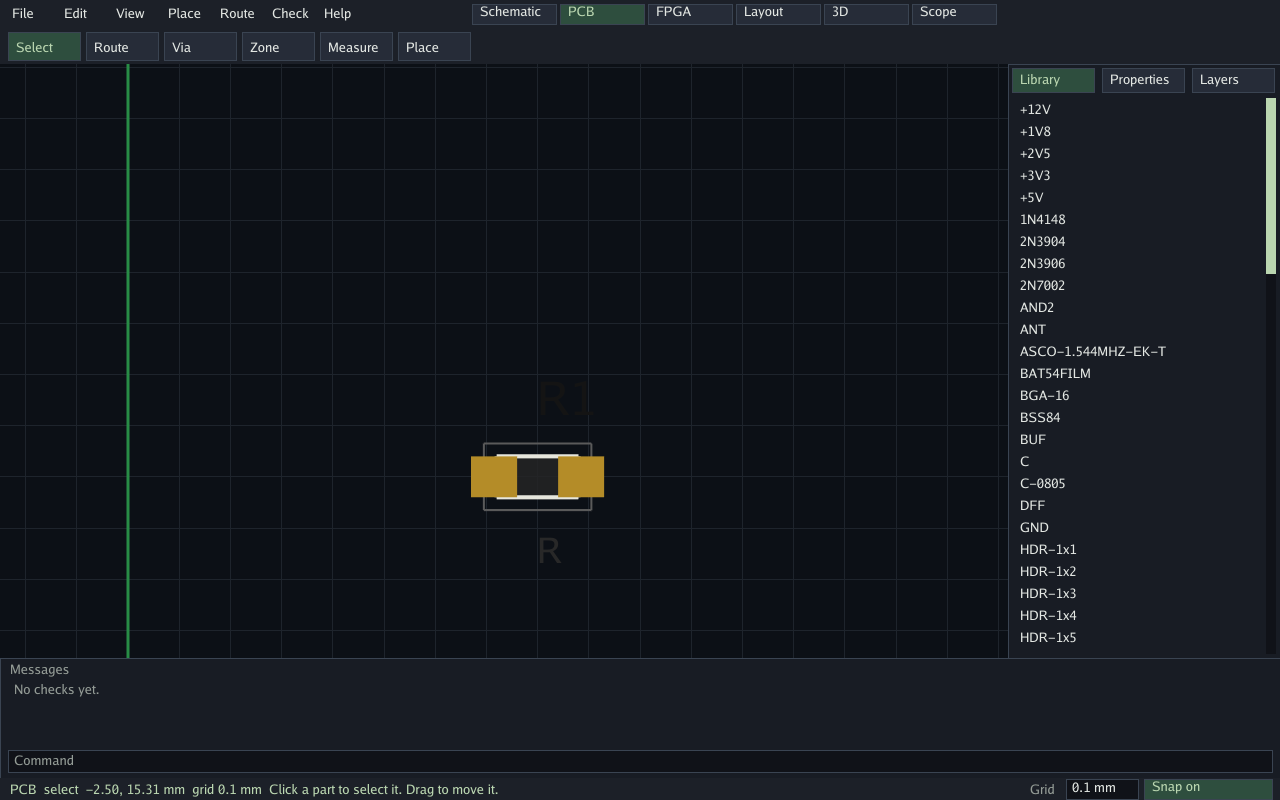
lib.placepcb.trackroute.autocheck.drc The board
Working frames from the app. Schematic, FPGA, layout, 3D, and scope stay in the same window, under the board.
- Schematic
- FPGA
- Layout
- 3D
- Scope
-
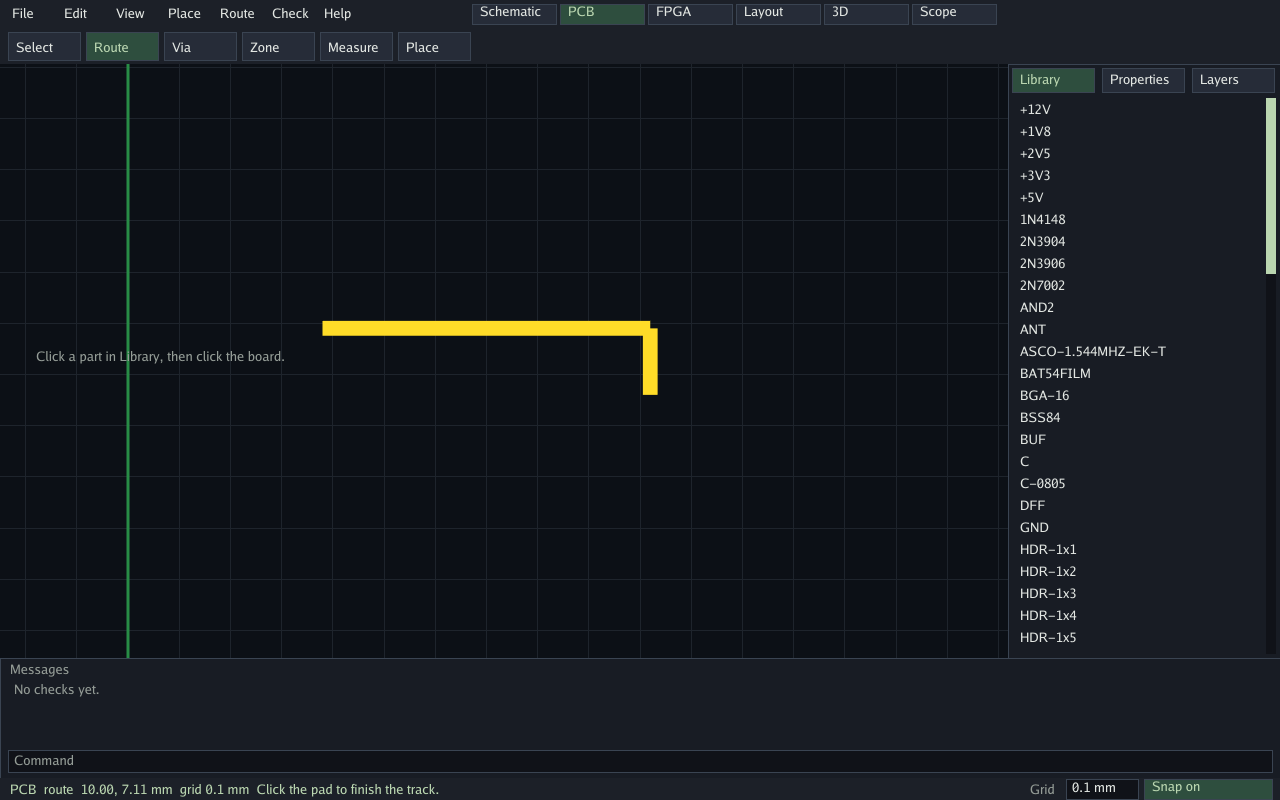
Route pcb.track and route.auto draw on the same grid you see. -
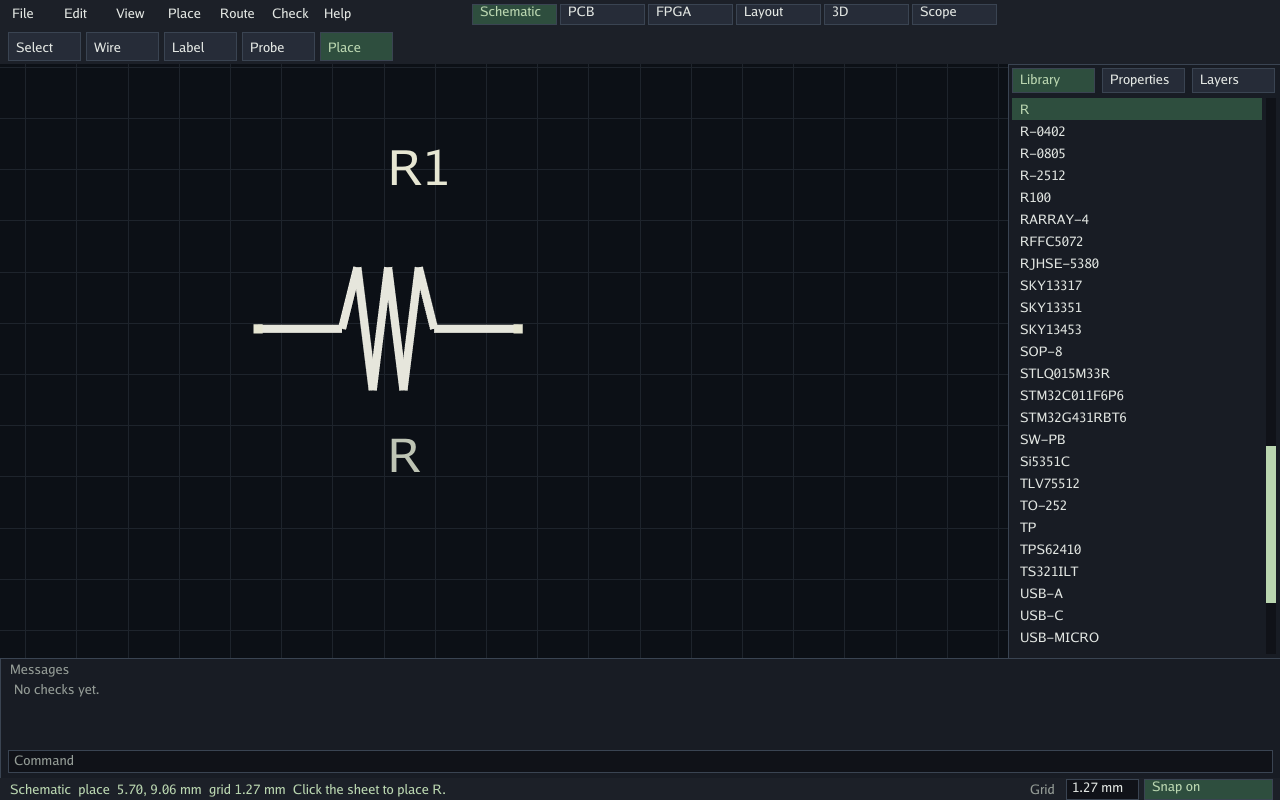
Schematic The sheet stays in the same window as the board. -
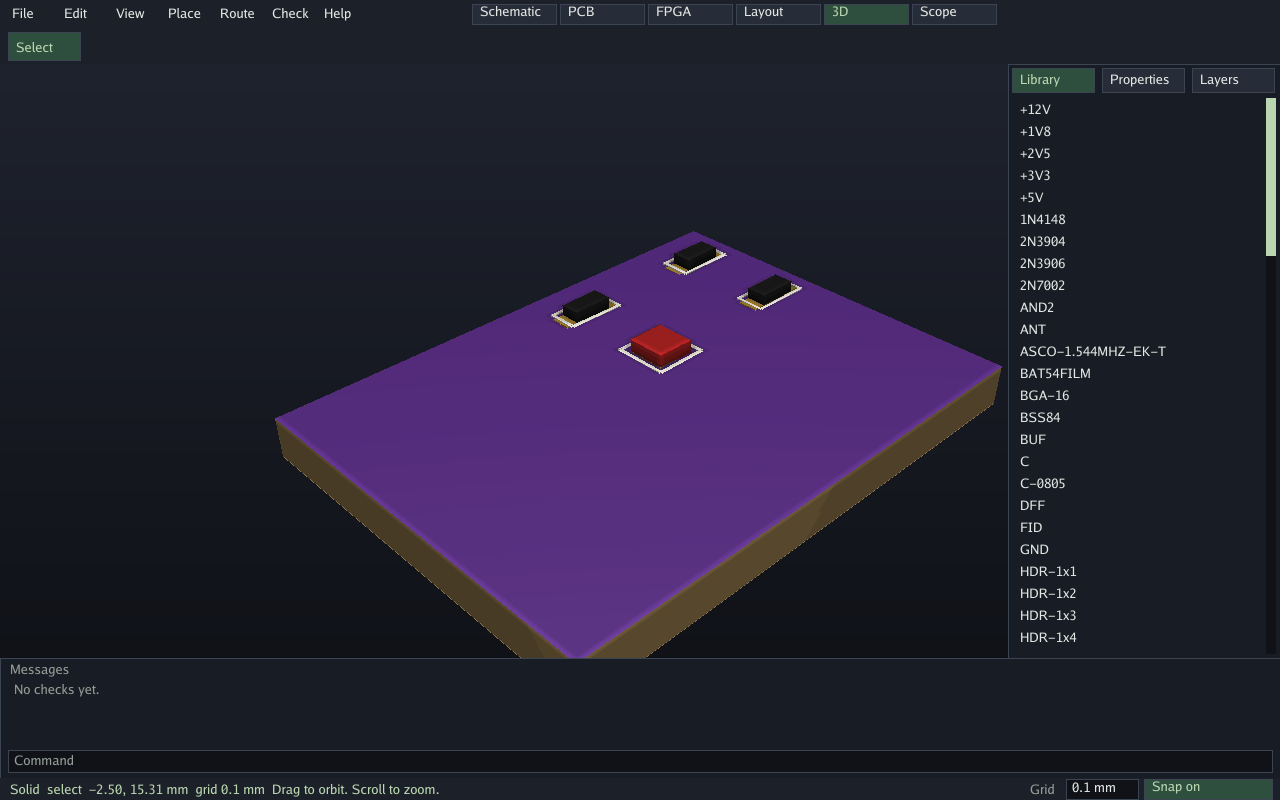
3D Orbit the board after the parts are placed. -
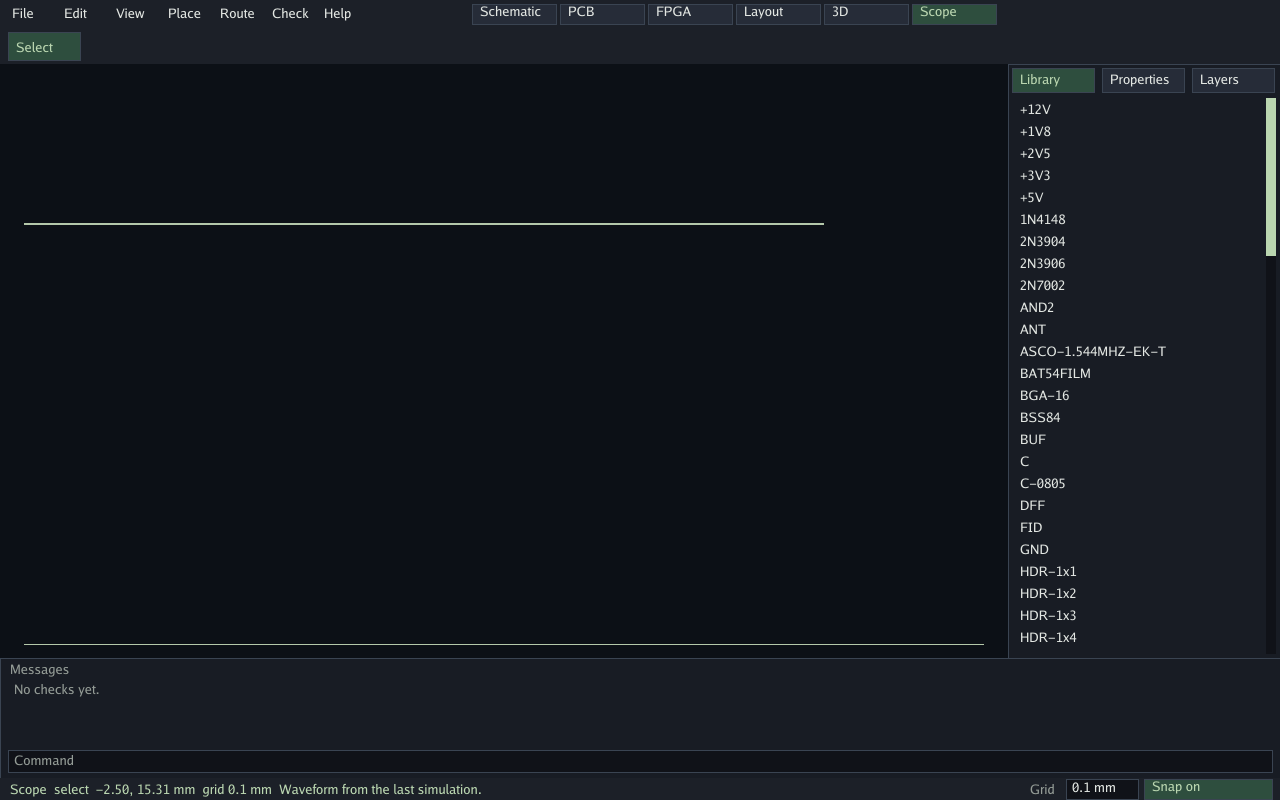
Scope Simulation traces are a resource the agent can read.