Coming soon
AI-first PCB design
The agent drives a labpixie-mcp session opened with --project. It places, routes, and checks the board, then chains the power tree, the fabric, and the pins. The command names are the same as the window.
- 01
One command set
labpixie-mcp publishes the window’s commands as tools. The agent calls lib.place, route.auto, check.drc, and sim.chain. A tool call edits the session opened with --project, not the window in front of you.
- 02
A routed board
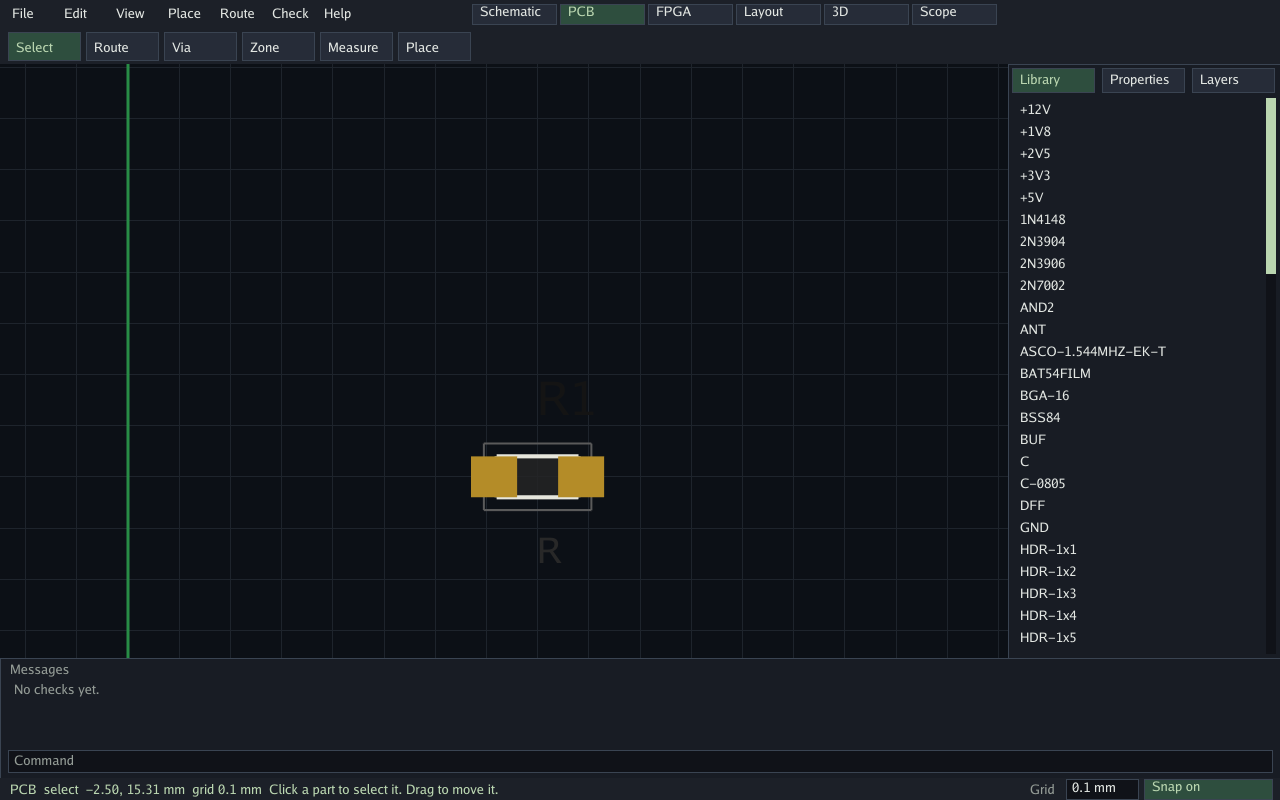
Place, shrink, and route on the same grid the window draws. check.drc and check.erc read the copper and the schematic of that board.
- 03
The device, in one chain
The FPGA view is the package. The layout view is the floorplan, modules inside the body with flies to the balls. sim.chain runs the power tree, the fabric, and the pin voltages on one time base.
lib.placeroute.autocheck.drcsim.chain The board
Working frames from the app. The routed board, the package, the floorplan, and the chained scope stay in the same window.
- Schematic
- PCB
- FPGA
- Layout
- 3D
- Scope
-
PCB The routed board. lib.place and route.auto draw on this grid. -
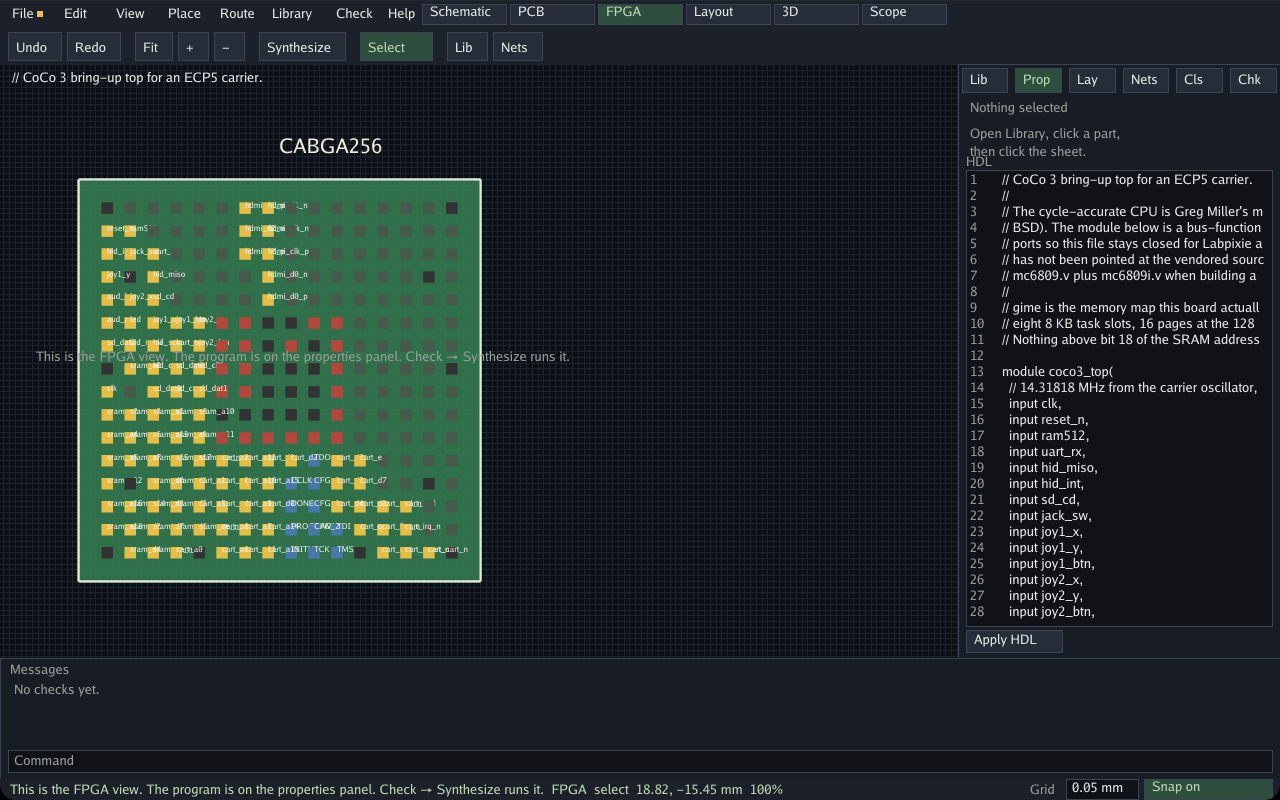
Package The CABGA256 ball map. Assigned pins, power, and config stay distinct. -
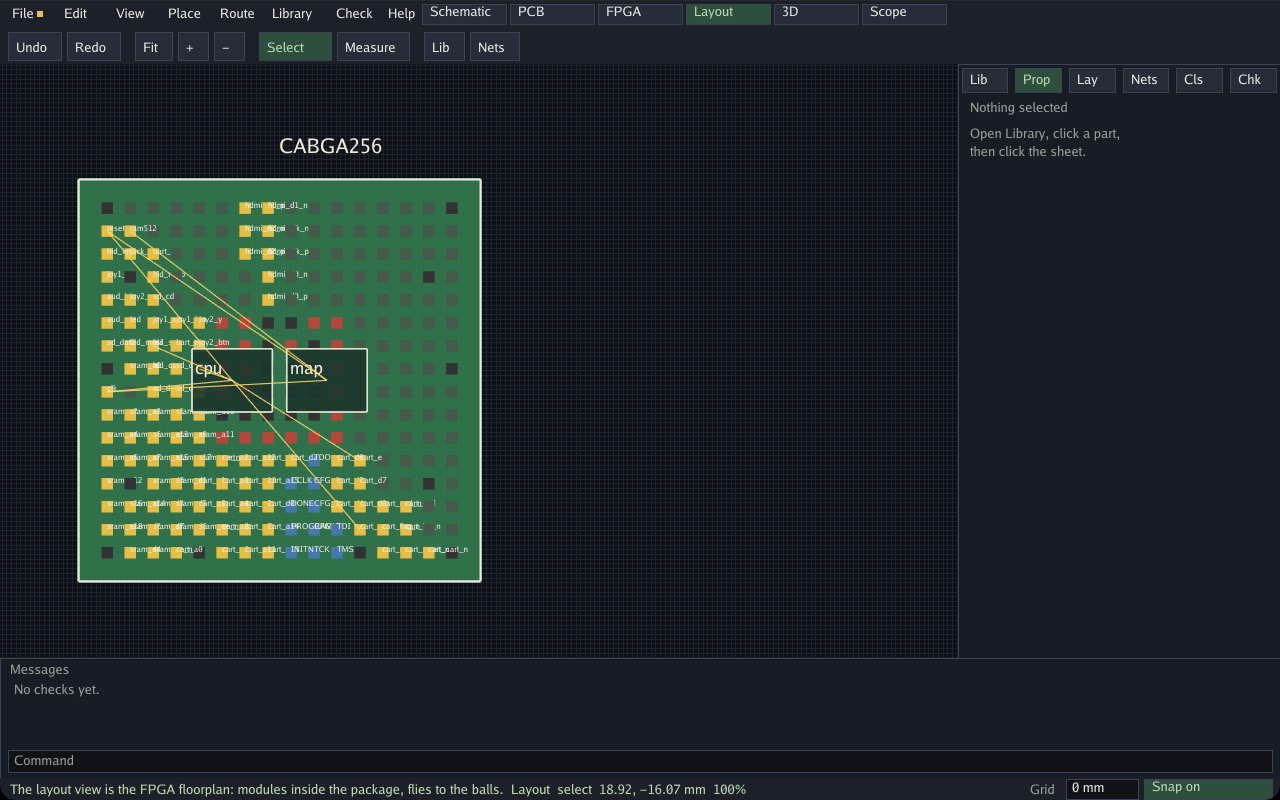
Floorplan cpu and map inside the body, with flies to the balls they drive. -
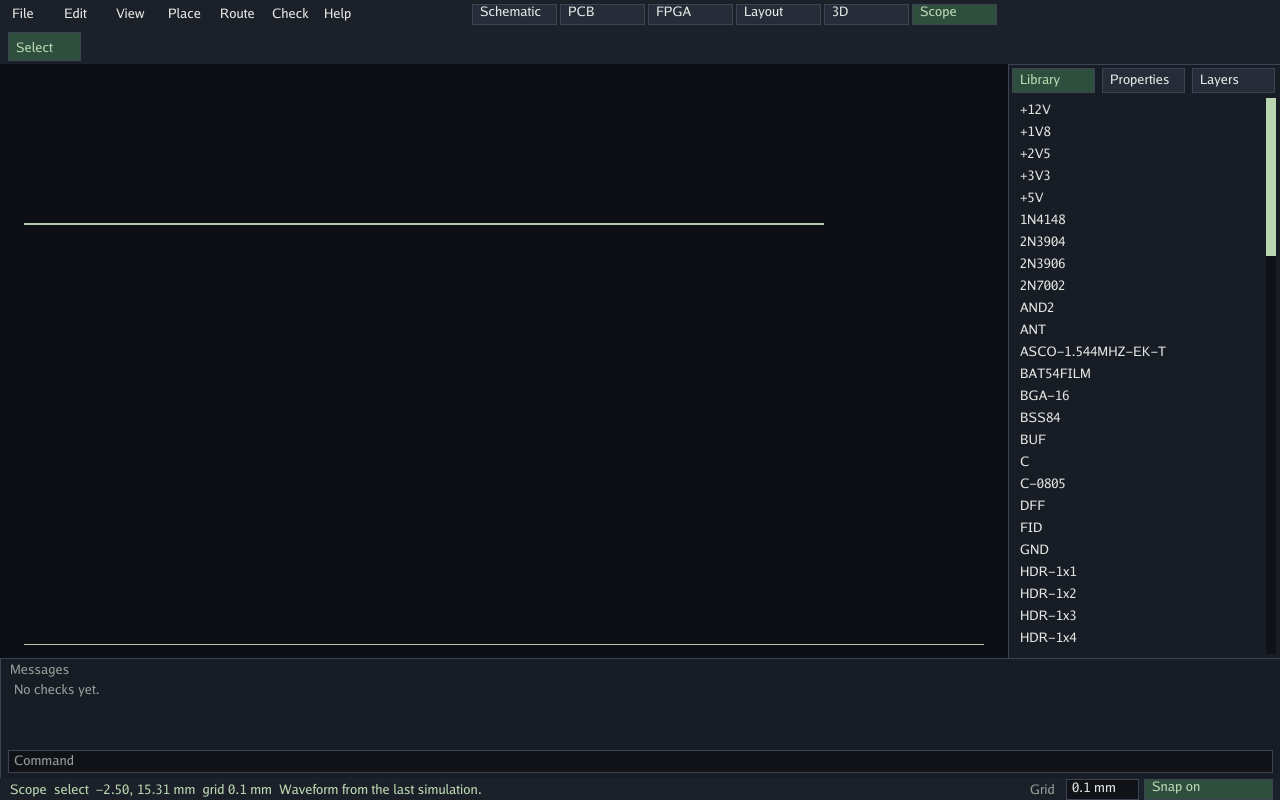
Scope Power rails, then clock, reset, the LED, the SRAM bus, and the HDMI clock pair.